
You’re sitting on a 40-page industry report, a dense legal contract, or a stack of research PDFs. You need the key points — now. Opening yet another tab, pasting text into yet another tool, dealing with yet another login wall… it adds up fast.
Here’s the good news: in 2026, you don’t have to leave Telegram to get a sharp, accurate summary of almost any document. Between Telegram’s own built-in AI features and bots like OximoAI, the whole workflow can happen inside a single app you already have open all day.
Let’s walk through exactly how this works — what Telegram now offers natively, where it falls short, and how to fill those gaps without friction.
What Telegram’s Built-In AI Summaries Can (and Can’t) Do
In early 2026, Telegram rolled out AI Summaries — a native feature that generates instant recaps of long channel posts and articles in Instant View mode. If you follow busy news channels or media publications, you’ve probably already seen the small summary card that appears at the top of lengthy content.
This is powered by a decentralized AI infrastructure that Telegram has been developing since late 2025, distributing computation across independent GPU nodes connected to the TON blockchain. Node operators earn crypto rewards for their processing work, and Telegram has emphasized that summary requests are encrypted in transit — though the specifics of the cryptographic implementation haven’t been independently audited yet.
On iOS, the feature arrived alongside Apple’s Liquid Glass design language (introduced with iOS 26), which brought new transparency and refraction effects across the system UI — including within Telegram.
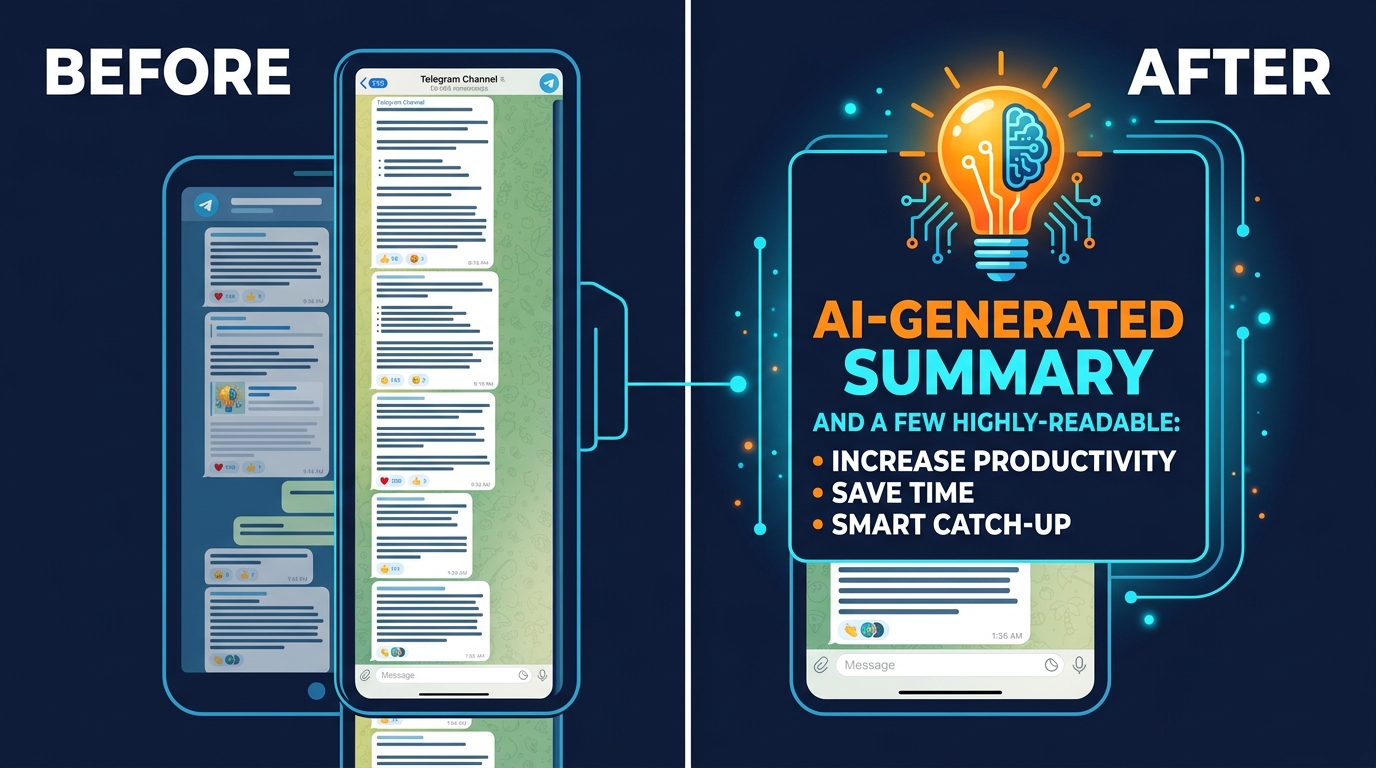
Where this falls short for most professionals:
- It only works on channel posts and Instant View articles — not on PDFs, Word documents, or files you receive in chats
- You can’t customize the summary length or tone
- There’s no way to ask follow-up questions about the content
- It doesn’t help you with documents you generate or receive yourself
So if your actual need is summarizing a 60-page supplier contract, extracting action items from a board meeting transcript, or turning a research paper into a briefing for your team — Telegram’s native AI Summaries won’t get you there. That’s where a more capable tool becomes necessary.
The AI Editor: Telegram’s Newest Text Tool
In early 2026, a beta version of Telegram introduced something slightly different: the AI Editor. This isn’t a summarizer — it’s a text manipulation tool built directly into the message composition interface.
Here’s how it works: once you’ve typed a few lines of text in a chat, a small “AI” button appears next to the input field. Tap it, and you get options to shorten the text, fix errors, or change the writing style — from formal/business to more creative or casual tones.
This is genuinely useful if you’re drafting a message and want to tighten it up before sending. But again, the limitation is clear: it works on text you type, not on files or documents you receive. If someone sends you a PDF, the AI Editor doesn’t open it, analyze it, or summarize it for you.
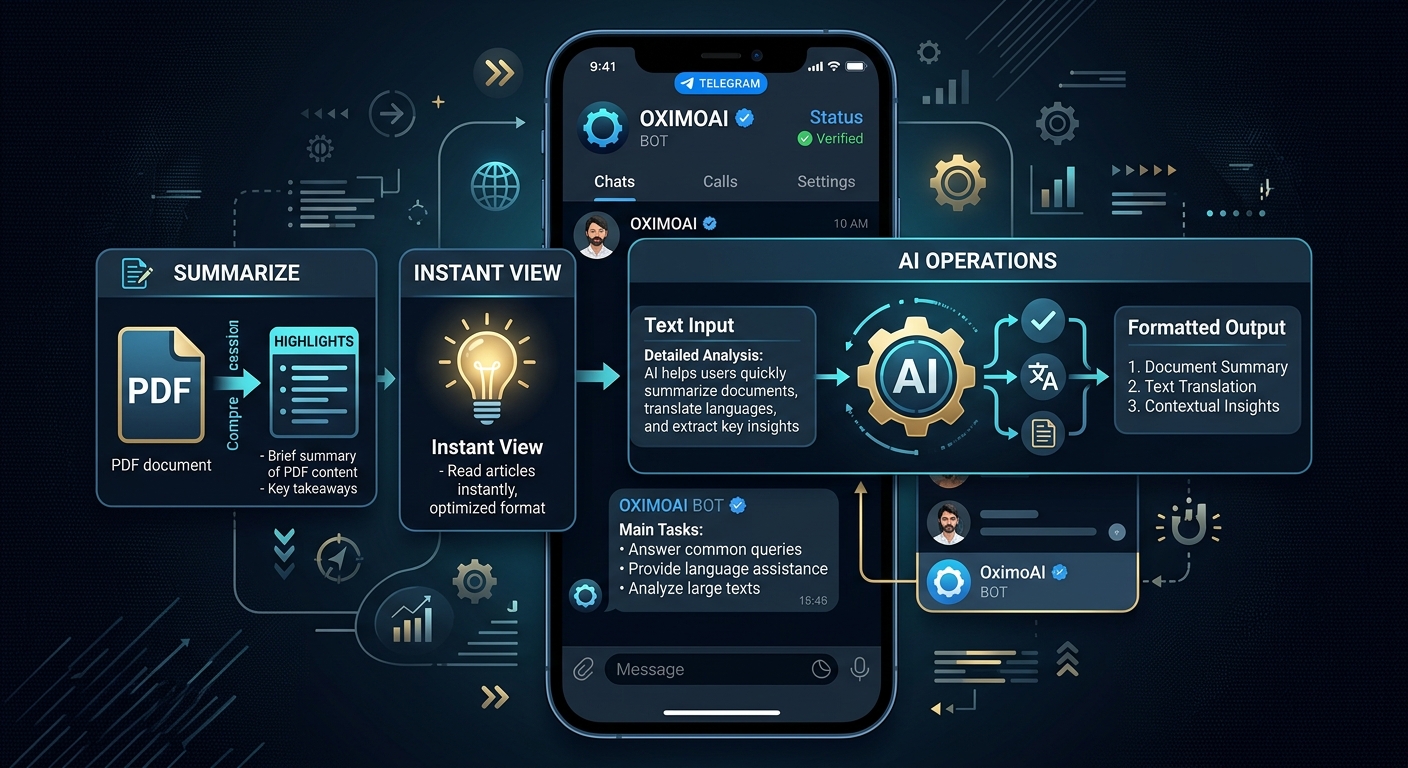
For document-level summarization — the kind where you upload a file and get structured insights back — you still need a dedicated AI tool.
Summarizing PDFs and Long Documents: The OximoAI Approach
This is where OximoAI fills the gap that Telegram’s native tools leave open.
OximoAI is a Telegram bot that connects you to multiple top-tier AI models — including Gemini, DeepSeek, Llama, and Mistral — without requiring separate accounts, VPNs, or subscriptions to each service. The pay-as-you-go pricing model means you’re not locked into a monthly plan you half-use; you pay for what you actually need.
A concrete document summarization scenario:
- Open @OximoAI_bot in Telegram
- Send the bot your PDF or paste in a block of text from your document
- Type your instruction: “Summarize this in 5 bullet points, focus on action items and deadlines”
- Select your preferred model (Gemini handles longer documents particularly well)
- Receive a structured summary in under 30 seconds
You can then follow up immediately: “Now rewrite point 3 in simpler language for a non-technical audience” — the AI agent remembers the context of your conversation, so you’re not starting from scratch each time.
This matters because document summarization is rarely a one-shot task. You usually need to refine: shorten this section, expand on that conclusion, translate the summary into another language for a colleague, or pull out specific data points. With OximoAI’s persistent agent memory, that back-and-forth feels like working with an assistant rather than querying a search engine.
Practical use cases where this workflow saves real time:
- Legal and contracts: Paste clauses into the bot, ask it to flag anything with penalty terms or unusual obligations
- Research papers: Upload abstracts and methodology sections, get a plain-language summary for a team presentation
- Meeting transcripts: Send the raw text, ask for a structured recap with decisions and next steps
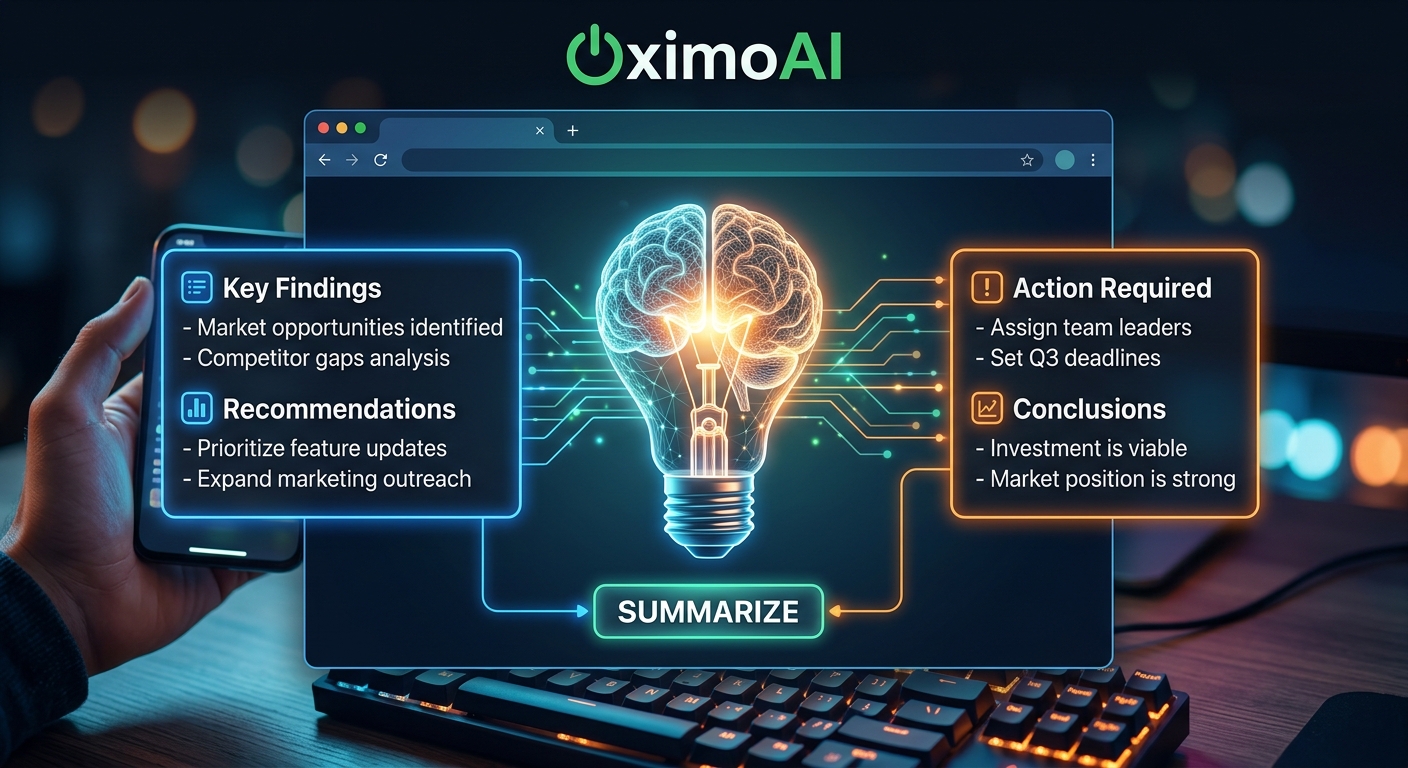
- Reports and whitepapers: Turn a 50-page industry report into a 1-page executive brief
- Email threads: Copy a long email chain, ask the bot to identify the open questions and who’s responsible for each
Choosing the Right Approach for Your Workflow
With both native Telegram features and bots like OximoAI available in 2026, the practical question is: when do you use which?
Use Telegram’s native AI Summaries when:
– You’re reading a long channel post or article in Instant View
– You want a quick overview before deciding whether to read in full
– You prefer Telegram’s built-in encrypted processing for sensitive content
Use the Telegram AI Editor when:
– You’re composing a message or post and want to tighten your own writing
– You need to quickly adjust tone before sending
Use OximoAI when:
– You have an actual file, PDF, or document to process
– You need a customized summary with specific instructions (format, length, focus area)
– You want to have a conversation about the document — asking follow-up questions, requesting reformats, extracting specific data
– You need the summary in a different language
– You want to combine document work with other tasks (generating images for a presentation, drafting a follow-up email, creating audio from the summary)
The pricing difference is also worth noting. Accessing top-tier AI models through their individual subscription plans typically runs $20/month each — and you’d need several to match OximoAI’s model selection. OximoAI’s coin-based system starts from 99 ₽ (about $1) for a pack, and you get 30 free coins just for starting. For occasional users or people who need bursts of heavy AI use, pay-as-you-go is simply more economical.
Your Documents Deserve More Than a Copy-Paste
Telegram has moved meaningfully into AI territory in early 2026 — the native AI Summaries and AI Editor are genuinely useful additions to an app that people already live in. But they’re designed for Telegram content and Telegram-composed text, not for the documents that land in your inbox or live in your file system.
For real document work — PDFs, contracts, research papers, transcripts — you need a tool that offers model flexibility, custom instructions, and the ability to have a proper back-and-forth conversation about the content. That’s the workflow OximoAI was built around: multiple AI models, document handling, and persistent context — all inside Telegram, with no new accounts to create and no VPN required.
Try it now — it takes about 30 seconds to start:
👉 Open @OximoAI_bot, send your first document, and see what a good AI summary actually looks like.
Your first 30 coins are free. No card required.